
Review a change
Write down the checks your team expects, so the next review can use them.
Use skills in reviews
Skills
Turn a useful set of instructions into a skill your teammates can find, improve and use. Share it across your workspace, adapt it for a repository and bring it into your coding tools.
Import and export Markdown · Workspace sharing · Repository overrides
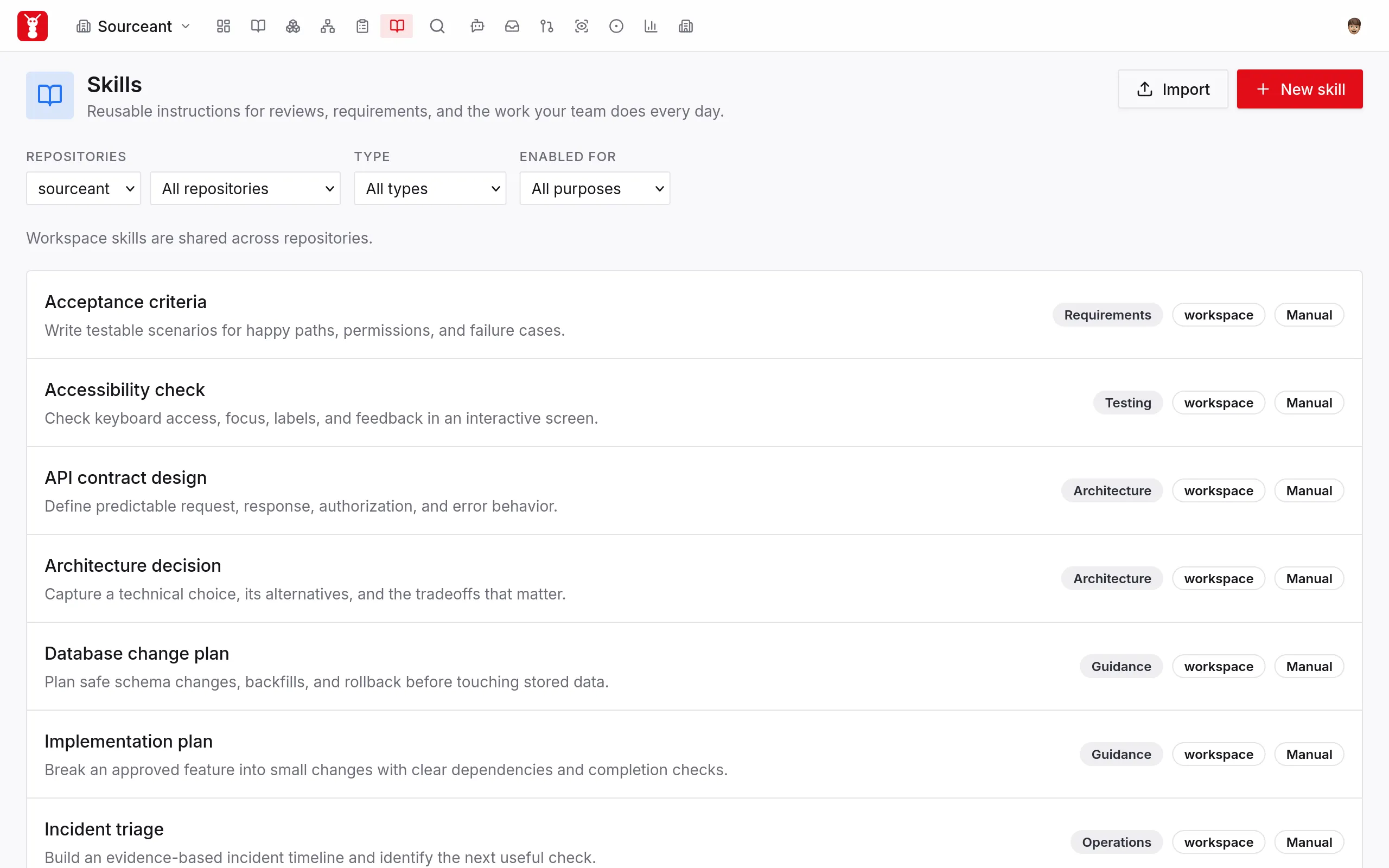
A useful prompt sits in a chat. A review checklist lives on one laptop. Someone joins the team and asks how the work is done. A shared skill gives them instructions they can find and use for themselves.
Share it. Improve it together.
Save instructions in your workspace so teammates can read and edit them. When a repository needs a different approach, give it an override. The rest of the team keeps the shared version.
See how workspace sharing worksUse what your team knows
Write down how your team does the task, so others can follow the same steps.
Write down the checks your team expects, so the next review can use them.
Use skills in reviewsShare how to turn a request into an outcome someone can test.
Work with requirementsKeep instructions for explaining what changed, what remains and what the next person needs.
Write your own skillCreate a skill or import a SKILL.md file so your coding tools can use the same instructions.
Write a skill or import a SKILL.md file. Give it a name and say when to use it.
Share it with your workspace or save it for one repository. Choose whether agents may select it automatically.
Connect through MCP, the protocol your tool uses to request instructions. Pick a skill from its prompts or paste the skill’s use request into your task.
Use a shared skill from your coding tool
/sourceant:skill
/sourceant:skill:test-cultureDescribe the test framework, layout, and visible limits without assuming coverage or quality. /sourceant:skill:contract-consistencyCheck whether changed inputs, outputs, errors, or access rules break existing consumers. /sourceant:skill:duplicate-implementationCheck whether newly added code duplicates existing behavior and introduces a concrete problem. /sourceant:skill:contract-consistency
Shown in Claude Code. Prompt names depend on the connection and available skills.
Your instructions, your choice
A named set of instructions for a repeatable task. It describes when to use it, what to do and what the result should look like.
Save a skill to a shared workspace. Teammates can find it, read its instructions and edit it in the dashboard. A repository can keep its own override when it needs different instructions.
Yes. Import a SKILL.md file or paste its contents. You can also export a skill as Markdown to keep a copy or share it elsewhere.
Connect the tool to SourceAnt through MCP, the protocol it uses to request context and instructions. Select a skill from the client’s MCP prompts, or copy its use request from the dashboard and paste it into the tool.
You choose whether a skill may be selected automatically or stays manual. You can also set file patterns and enable or disable it for named activities, such as review.
The workspace version becomes available to that repository again, if one exists.
Create or import your first skill. Give your teammates and coding tools the instructions to use it.